
One guided quote flow
Enter the service, property, rooms, condition, extras, photos and notes in order.

Product / 001 / app
Price cleaning jobs from your own rates and costs.
Built for Android / iOS

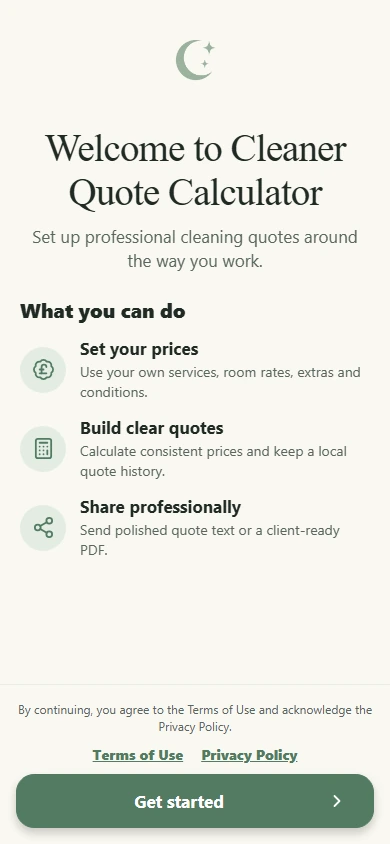
Enter the service, property, rooms, condition, extras, photos and notes in order.
Use saved service rates, room prices, extras, condition multipliers and minimum fees.
See how labour, travel, materials and overhead shape the estimate before you settle on a price.
Set service rates, build the job, review the numbers and prepare a clear quote for the client.
Move from service and property details to rooms, condition, extras, photos and client notes in a clear step-by-step flow.
Set service rates, room prices, extras, condition multipliers and minimum fees.
Model labour, travel, materials and overhead, then compare scenarios while you refine the price.
Preview the quote, add business branding and share a branded PDF with the client.
Keep property notes and selected photos with the quote, then choose whether to include them in an exported PDF.
Save, review and duplicate quotes on the device without creating a BrightForge account.
Use the app in English, French, Spanish, German, Italian or Romanian, with support for GBP, USD, AUD, CAD, EUR and RON.
See how the app helps you set prices, build quotes and share them.
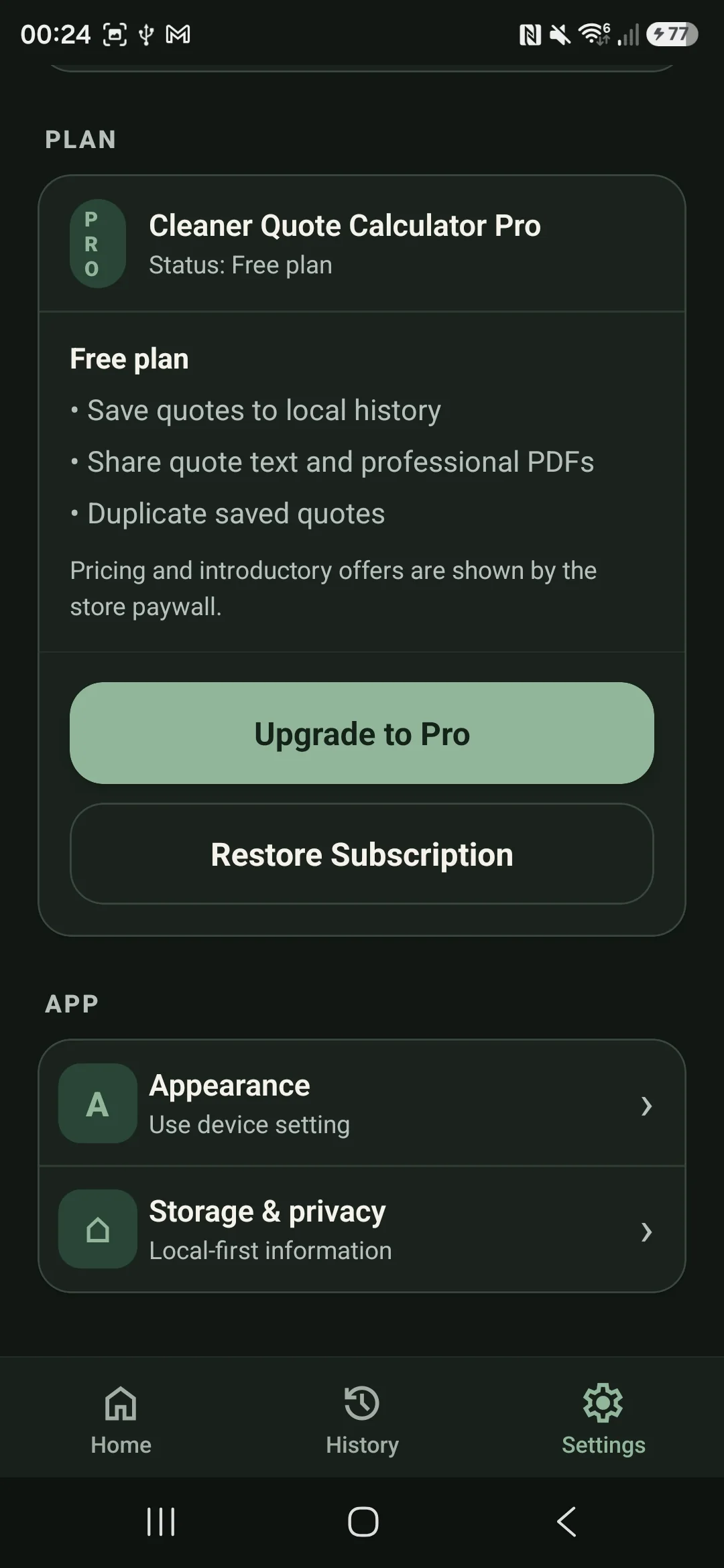
Plan, appearance and local-storage settings.
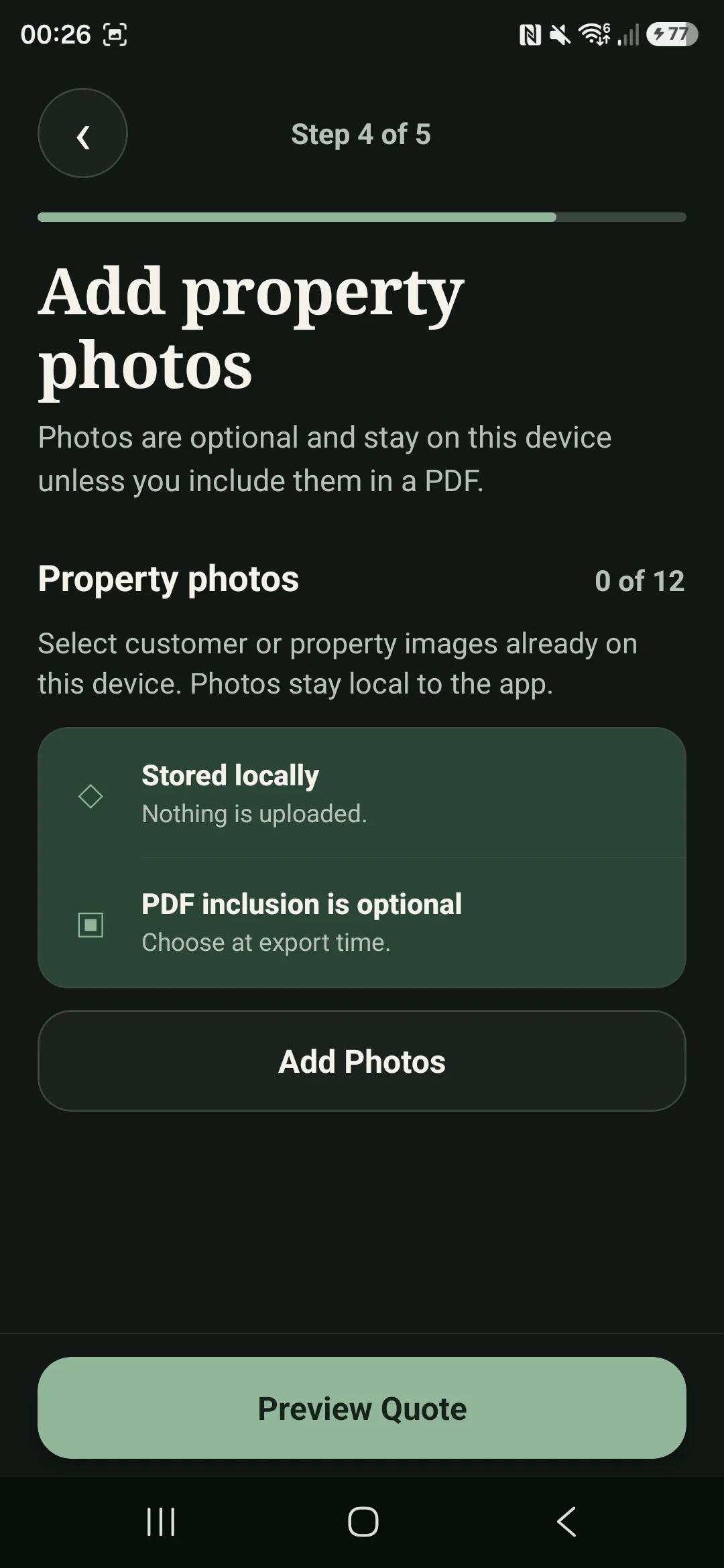
Add optional property photos and choose whether to include them in the exported PDF.
Add the rates, extras and business assumptions that shape your quotes.
Choose the service, property, rooms, condition and optional extras.
Check the quote total. With Pro, you can also review the estimated costs and margin.
Save the quote, share its text or generate a branded PDF.
Pro / Profit Guard
Adjust labour, travel, materials and overhead assumptions to see how each change affects the estimated margin.
The result is an estimate. Actual costs and profit can differ from the figures shown.
Privacy / Data
Cleaner Quote Calculator does not require an account. Quotes, client details, pricing, business details and selected photos are stored on your device and are not sent to BrightForge servers. Data leaves the app only when you share or export it, although your device’s backup or transfer settings may copy it. Apple, Google and RevenueCat process limited purchase and subscription data when those services are used.
Local storage is not cloud backup. Deleting the app, clearing its storage or losing the device may permanently remove saved quotes and settings.
Product / 001
Help and product-specific documents from BrightForge.